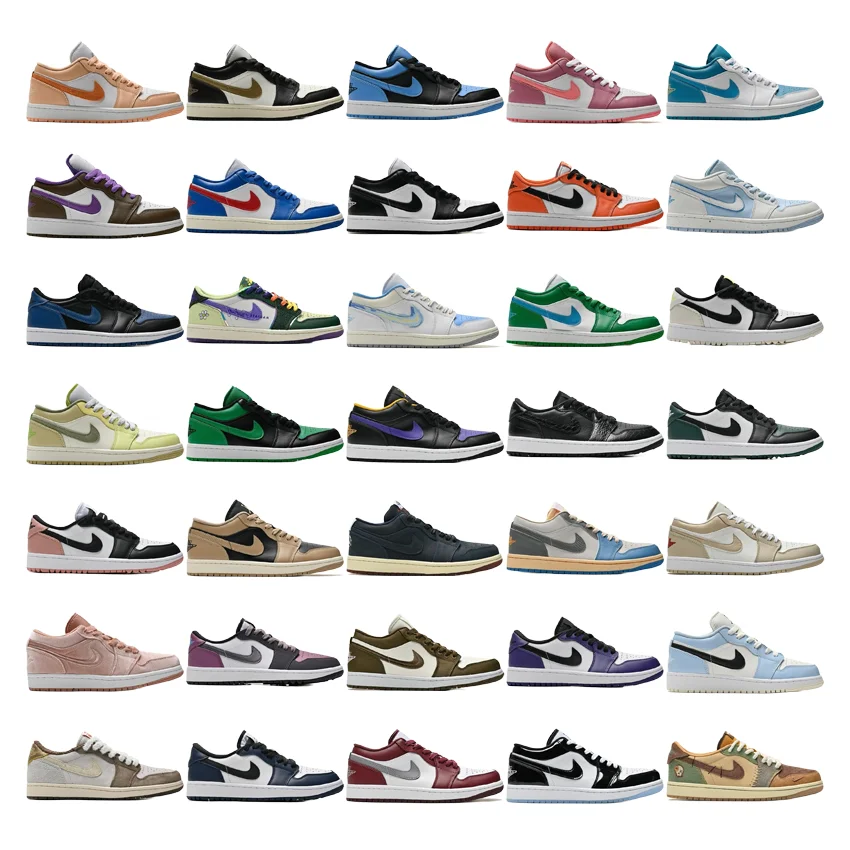
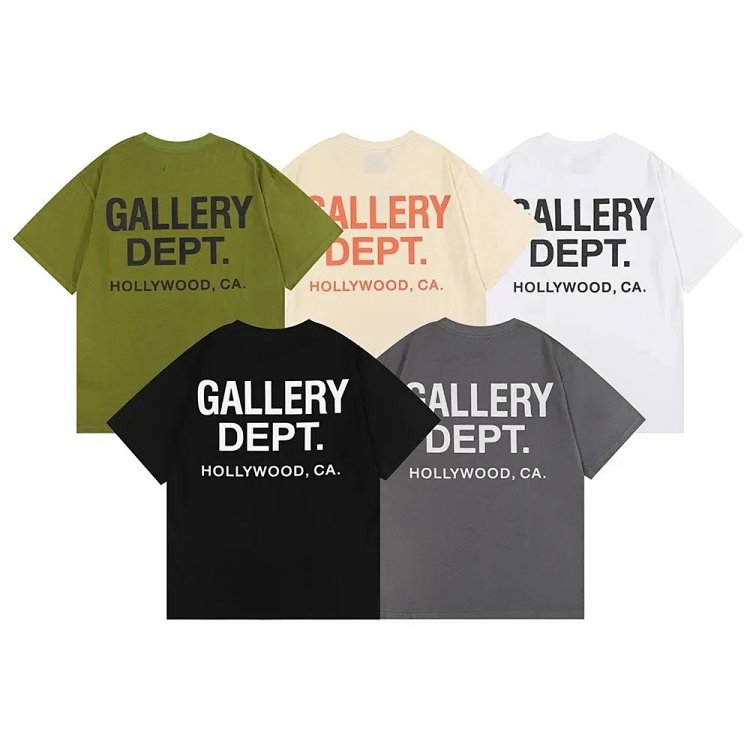
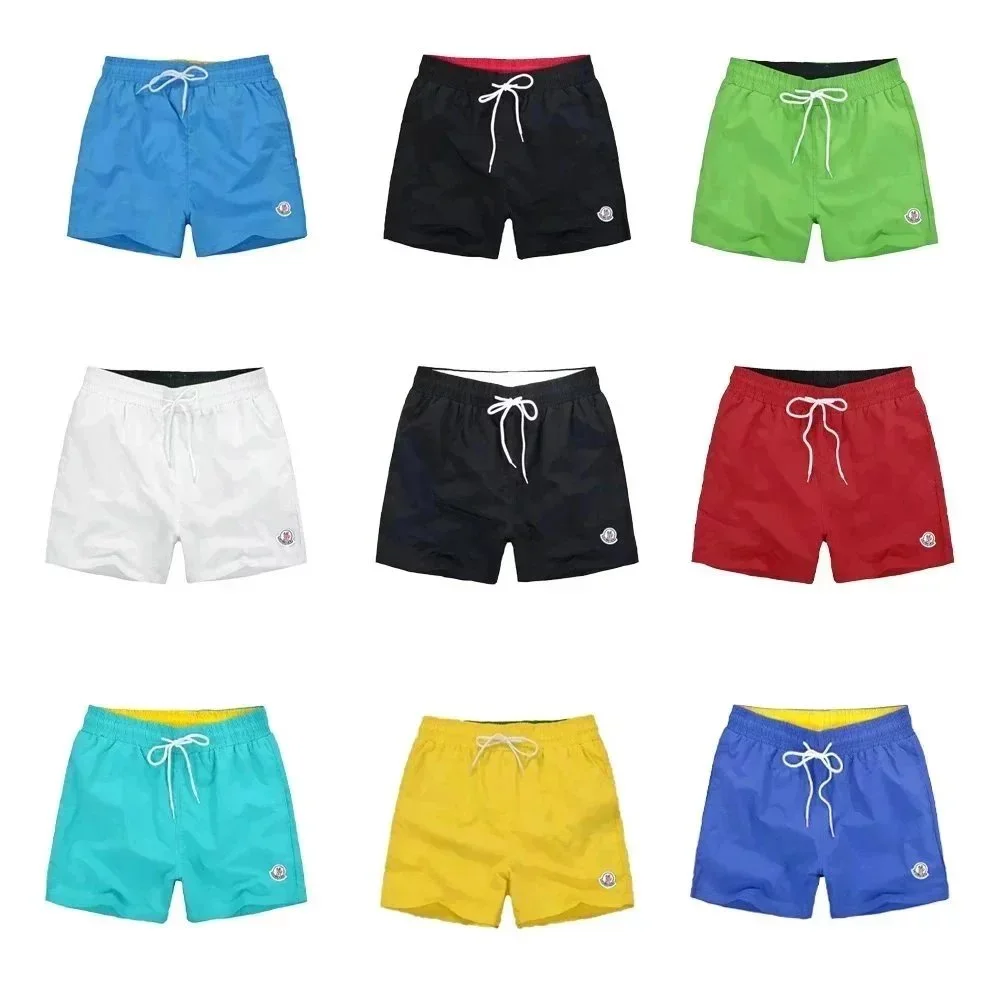
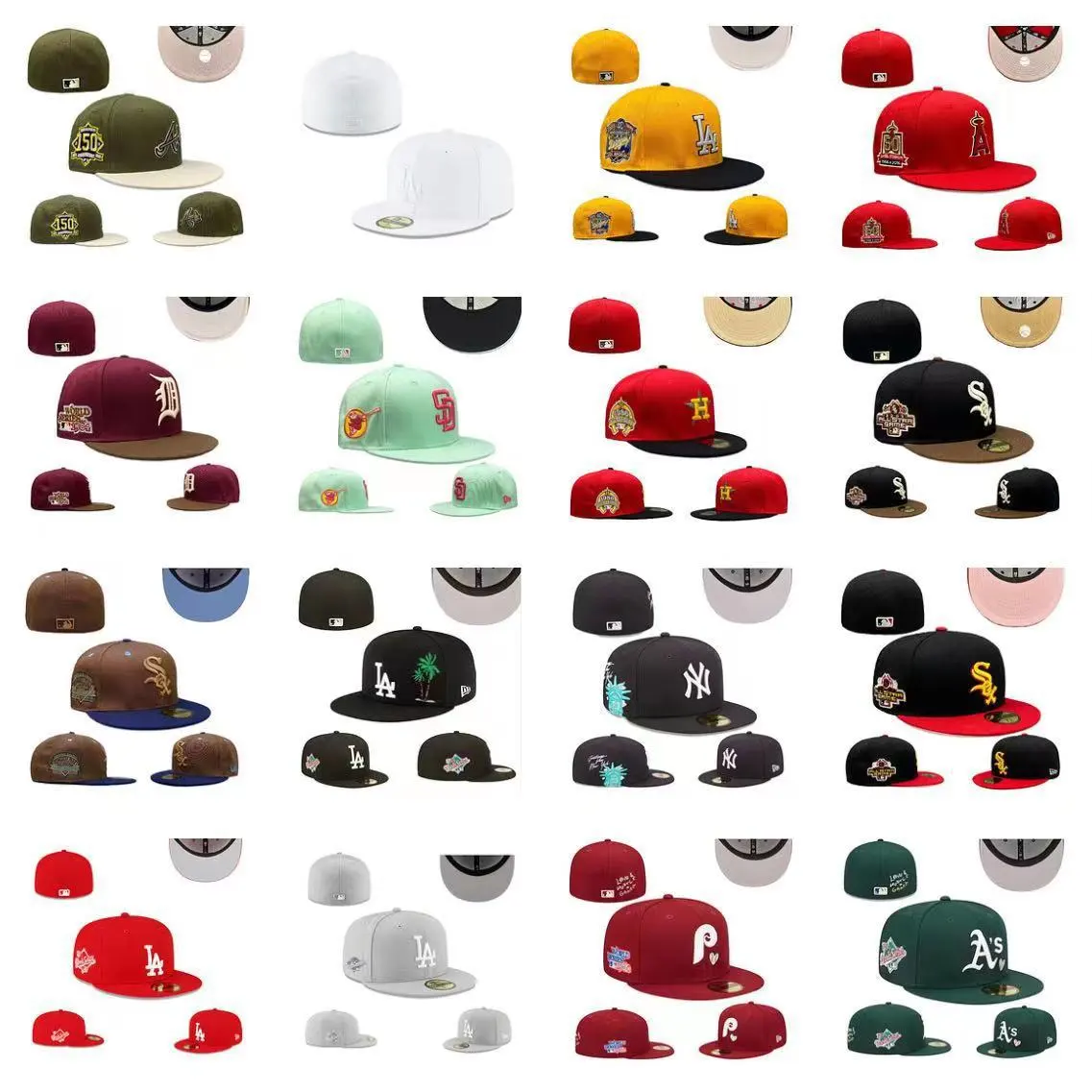
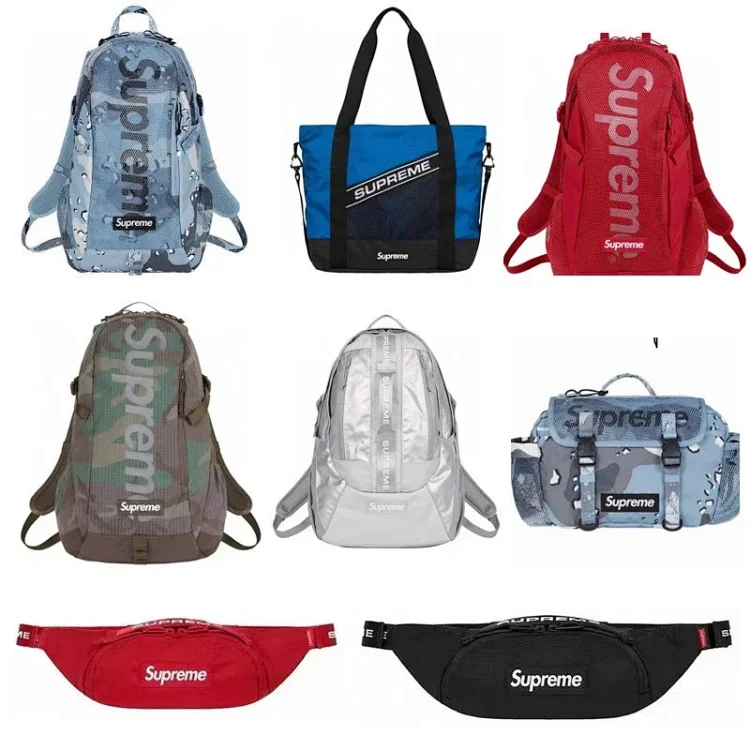
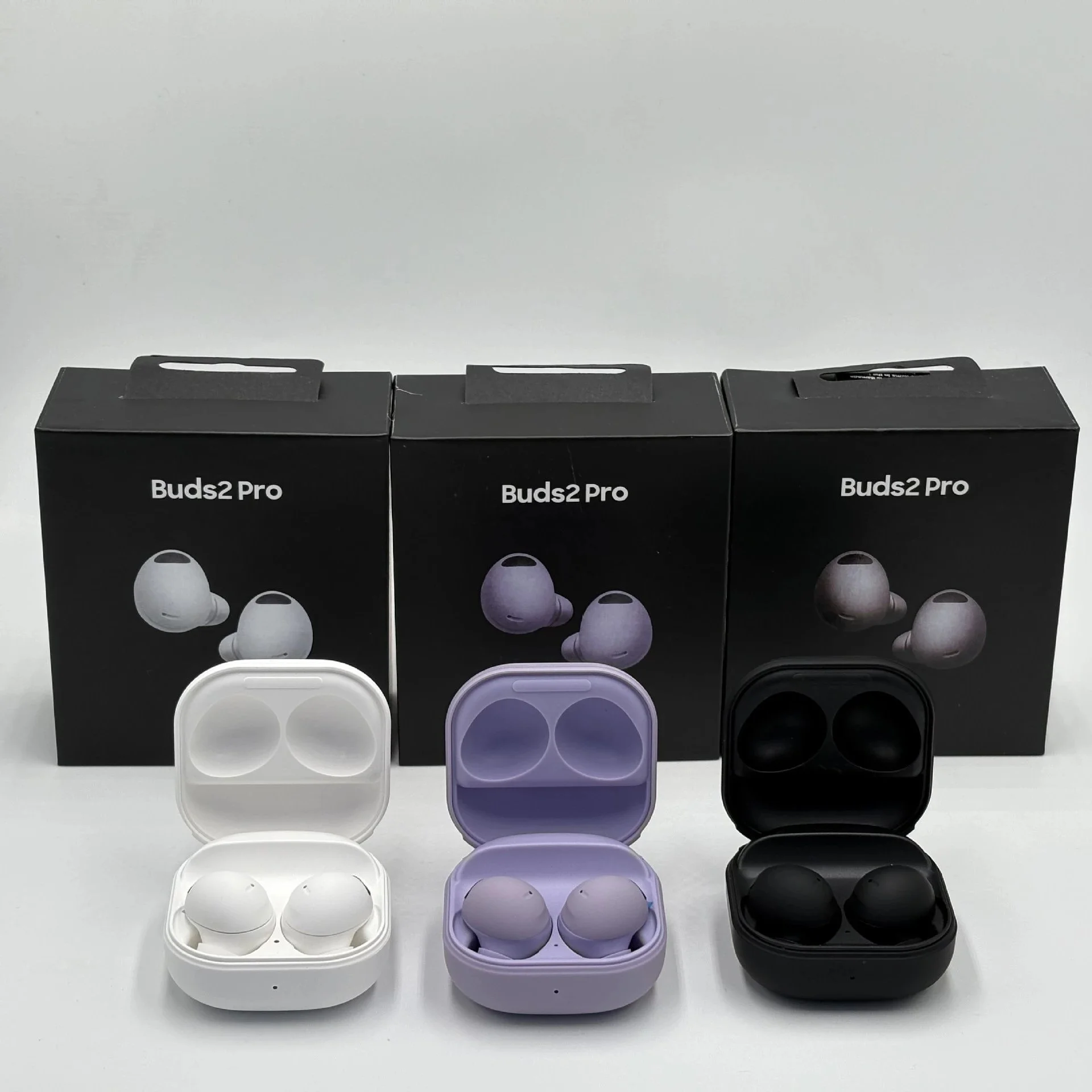
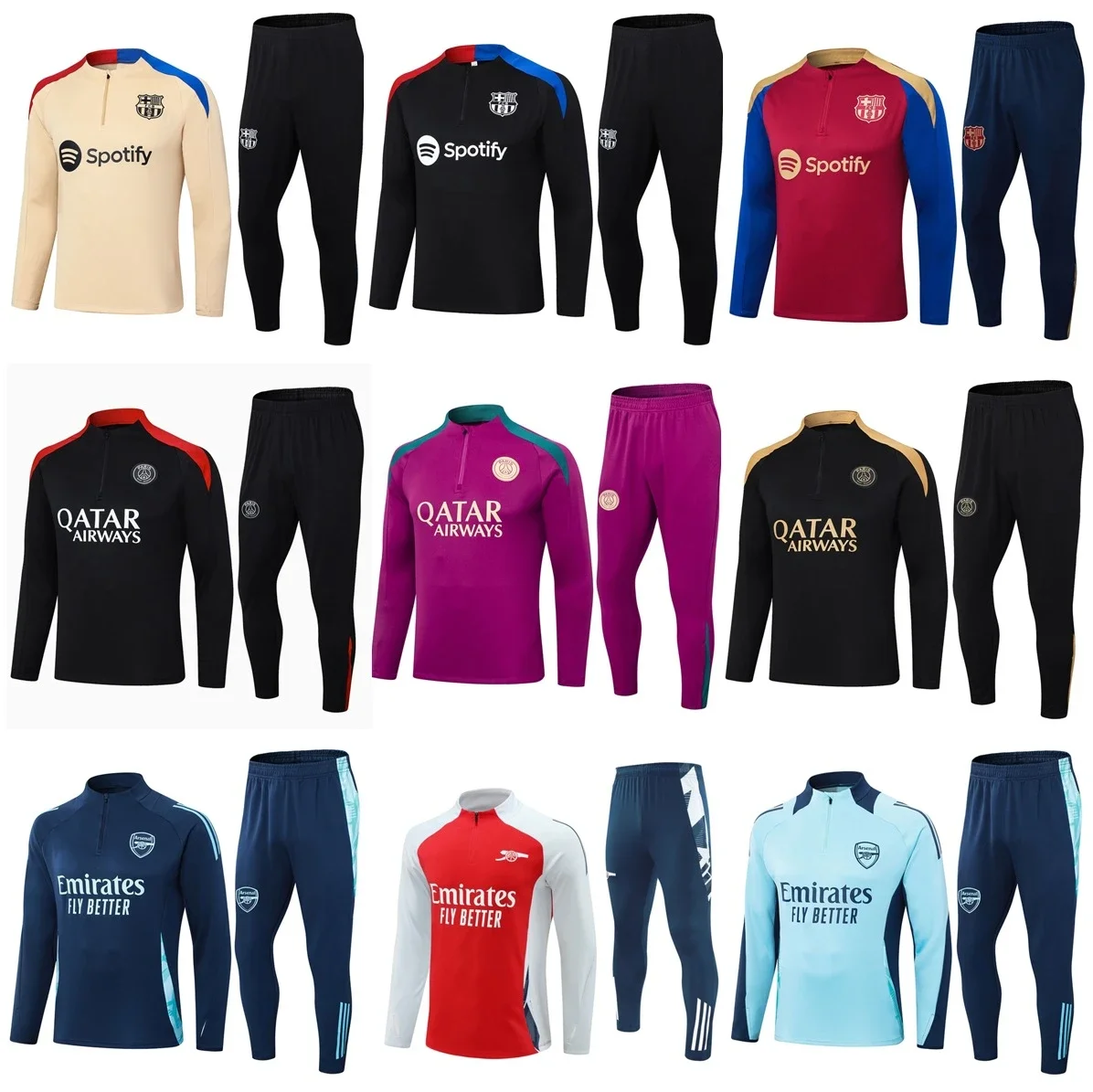
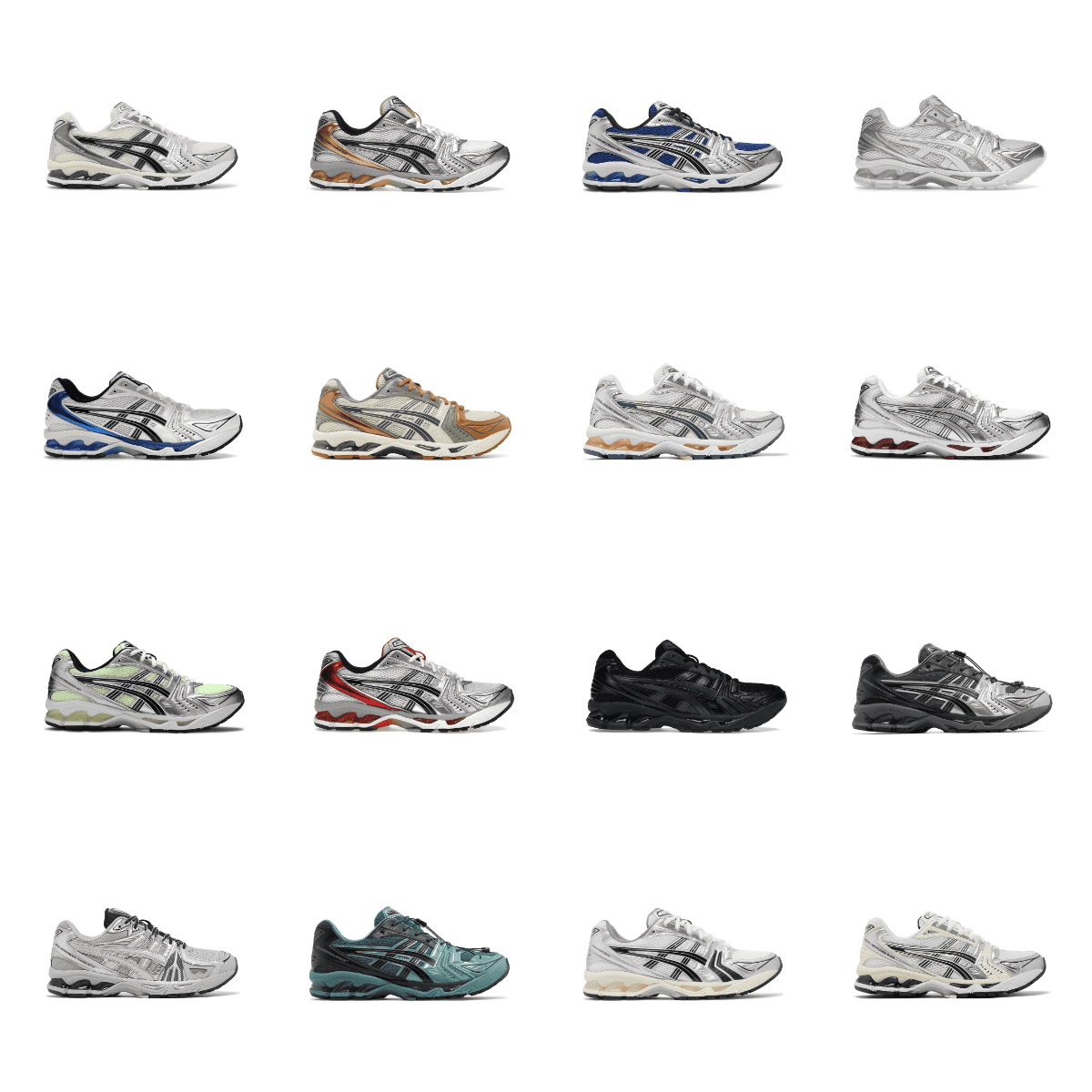
Research the catalog
Match a name, Product ID, or Weidian ID, then narrow by category when you need a cleaner lane.
2026 Superbuy Spreadsheet Resource
Explore Superbuy Spreadsheet finds across 15 categories, compare snapshot prices, review QC guidance, and use shipping and cost-planning tools before opening the live product listing.
Independent Superbuy research resource. Not operated by Superbuy.
Why a spreadsheet
Superbuy Spreadsheet is a catalog-style research desk. You can browse finds, filter by category or CNY range, save cards to a local Research List, and read guides about warehouse QC and parcel planning. It is built for comparison and note-taking before you open a product listing on the service you actually use to order.
It does not replace Superbuy’s ordering interface. It does not take payment, run a warehouse, grade sellers, or ship parcels. Snapshot prices use a fixed USD planning divisor (7.2) and can change on the live listing, so treat every card as a starting point rather than a checkout row.
Match a name, Product ID, or Weidian ID, then narrow by category when you need a cleaner lane.
Keep up to 24 cards in a browser-local Research List without uploading anything to this site.
Use warehouse photo notes to decide which visible details still need a clearer angle.
Most readers start on Finds, narrow a lane such asSneakers or Electronics, then open QC and shipping notes when photos or packed weight become the next question. Tools stay in the browser: they only calculate or tick values you type.
Browse the snapshot
Save cards locally
Review photo limits
Plan shipping math
Browse categories
Search the snapshot, jump a category, or open a listing when you are ready to verify live details.
Match product names and IDs in this research snapshot.
Park cards in a local Research List while you compare.
Reopen listings for options, size charts, and live state.
A practical research path: find, check, review photos, then plan shipping math.
Search a name, Product ID, or Weidian ID and open a category lane when you need a narrower set.
Reopen the listing for options, size charts, and the current page state before you rely on a card.
Use warehouse photo guides to decide which visible details still need a clearer angle.
Separate product, domestic, and international estimate lines—then compare routes without guessing a final invoice.
Explore Superbuy Spreadsheet guides for QC, shipping, comparisons and reviews, plus practical browser tools for weight, cost, product-link and checklist research.
Research hubs
Search, warehouse workflow, costs, and link checks.
Open guides →Visible warehouse photo limits—no fake authenticity scores.
Open QC →Weight, consolidation, rehearsal packing, and route comparison.
Open shipping →Spreadsheet research versus site search and photo sources.
Open compare →Where this research workflow helps—and where it stops.
Open reviews →Browser-only planners. No fake live rates.
Open tools →Practical tools
Compare actual and volumetric weight with a divisor you enter. Planning comparison only—not a carrier invoice.
Open tool →Add product, domestic, handling, and international CNY estimates, then view approximate USD with an editable planning divisor.
Open tool →Tick visible warehouse-photo checks by item type and track checklist coverage—not a quality or authenticity score.
Open tool →Look up a Product ID, Weidian ID, or Weidian product link in this catalog snapshot. Local match only—not live stock.
Open tool →Start with search and workflow notes, then branch into QC or shipping.
Guides
Search, shortlist, inspect snapshot fields, then plan QC and shipping research.
Guides
How the three Finds lookup modes behave on this catalog snapshot.
QC
Visible evidence versus authenticity, durability, and other non-proofs.
Shipping
Planning chargeable weight with a divisor you confirm for the line.
Data & sources
How this snapshot is structured and what it does not claim.
3434 rows, 15 categories, price rules, and Research List limits.
Read methodology →Official Superbuy process topics we use for factual framing.
Read source notes →Find answers to common Superbuy Spreadsheet questions about product finds, catalog search, QC photos, shipping costs, the Research List, and how this independent research resource works.
An independent product-research interface built around a catalog snapshot. You can browse categories, search names or IDs, compare snapshot CNY (with approximate USD planning figures), and read QC and shipping guidance before opening an external listing.
No. Independent Superbuy research resource. Not operated by Superbuy. Accounts, payments, warehouse handling, and shipping stay on the services you choose.
Product name text, Product ID, and Weidian ID. Filters for category and CNY ranges run in the browser on /finds/ and do not create separate SEO landing pages.
No. CNY figures are snapshot catalog prices. Approximate USD uses a fixed planning divisor (7.2), not a live exchange rate or checkout total. Reopen the destination listing to confirm current options and price.
Visible construction, labels, alignment, and obvious defects when those details appear in the frames. Photos cannot prove authenticity, fragrance, battery health, or long-term durability.
No. Shipping notes and upcoming planners help you organize weight and cost layers. Live line quotes, restrictions, and transit estimates must be confirmed in the agent account or official tools you use.
Keep going
Use the Superbuy Spreadsheet to browse finds, compare categories, review QC notes, and plan shipping before opening the full listing. Explore more Superbuy finds here or continue to the main Superbuy Spreadsheet destination when you are ready.
Independent Superbuy research resource. Not operated by Superbuy.
Have a question about a product or using Superbuy Spreadsheet? Chat with us on WhatsApp.
Chat on WhatsApp